
Why lock screen time tracking works when timers don’t
Most people give up on time tracking within a week because they forget to press start. Asking at the moment you unlock your phone fixes that.
Read articleSelfM asks what you have been doing when you unlock your phone. One tap logs it — and elegant charts show where every hour goes.
Timers only work if you remember to press start. SelfM comes to you instead — and turns a few taps a day into a clear picture of your life.
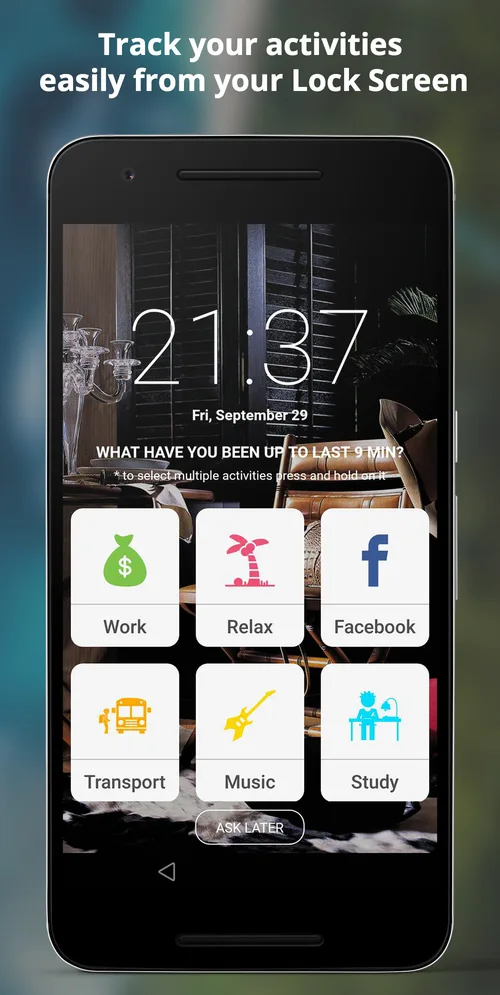
Every few minutes SelfM asks “What have you been up to?” when you unlock your phone. Tap an activity and you are done — no app to open, no timer to forget.
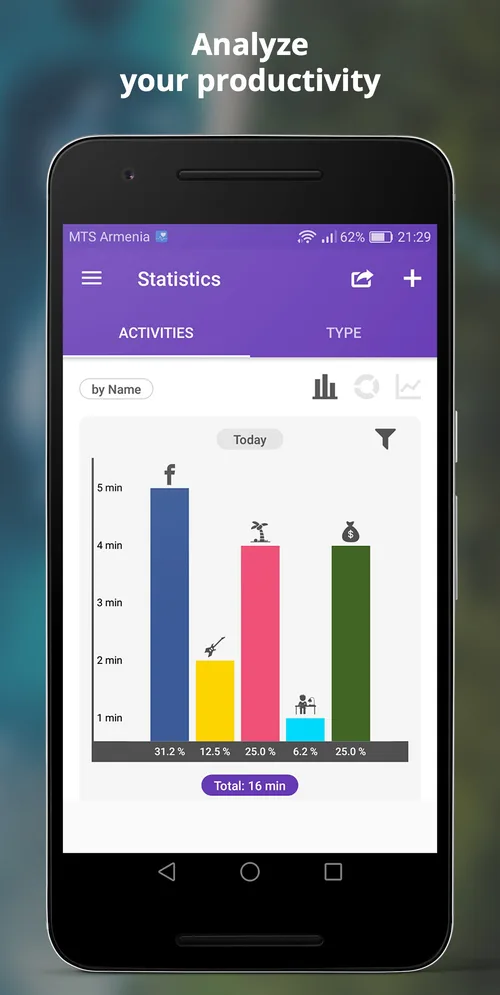
Daily, weekly and monthly statistics as bar charts, pie charts and timelines, grouped by activity or by type.
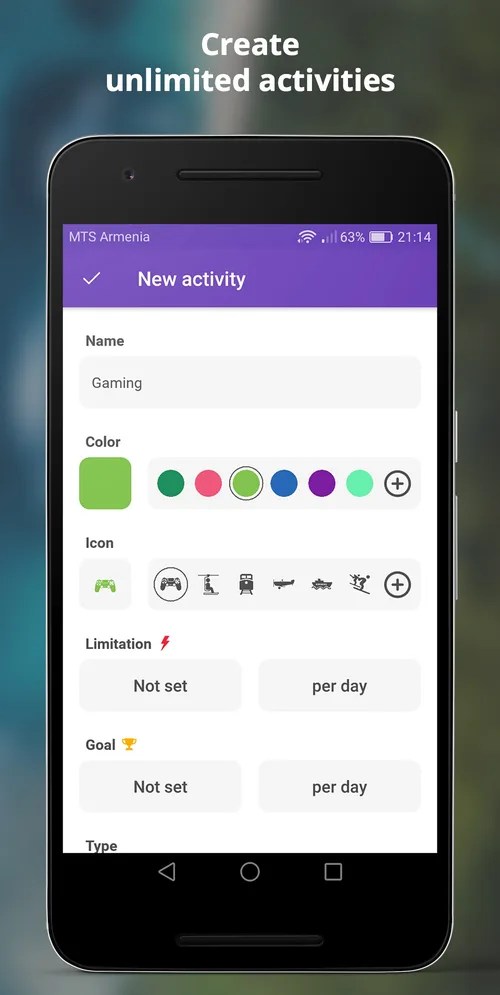
Create as many activities and categories as you need, each with its own name, colour and icon.
Set a daily goal for good habits (study, sport) and a daily limit for time-wasters (social media, games).
No account and no internet needed. Your log is stored on your phone, so it works anywhere.
Export your history as a CSV file to analyse it in Excel or Google Sheets, bill clients or share with your team.
Add the things you do — Work, Study, Sport, Social media, Sleep — and give each a colour and icon.
When you unlock your phone, SelfM asks what you have been doing since last time. One tap, and it is logged.
Check daily, weekly and monthly charts, set goals and limits, and export your data when you need it.


Work hours log, study timer, habit tracker, sleep tracker or simple time diary — SelfM adapts to the way you live.
Log billable hours per client or project and export a CSV for your invoice.
Track study time per subject and see if you are really putting in the hours.
Keep a simple record of your working hours and overtime.
See how much time goes to sleep, sport, family and screens — and adjust.
SelfM stores your activities and statistics on your phone. No account, no cloud sync — we don’t collect your tracking data on our servers.
Read the privacy policyYes. SelfM is free to download from Google Play, with no limit on the number of activities. The free version shows ads.
When lock screen tracking is on, SelfM shows your activity tiles when you unlock your phone, together with the time since your last entry. Tap what you were doing and the time is logged. You can select several activities by pressing and holding, or tap “Ask later” to skip.
No. SelfM works fully offline and does not need an account. Your data is stored on your phone.
All your activities and statistics are stored locally on your device. We do not collect or store your tracking data on our servers. See our privacy policy for details.
Yes. You can export your history as a CSV file and open it in Excel, Google Sheets or any other tool. You can also import statistics, for example when moving to a new phone.
You choose. In Settings you can set the tracking frequency (for example every 15 minutes), the days of the week, and the start and end time of tracking.
Most people give up on time tracking within a week because they forget to press start. Asking at the moment you unlock your phone fixes that.
Read articleBillable hours you forget to log are hours you are not paid for. A practical setup for tracking client work with SelfM and turning it into an invoice.
Read articleA time diary is the simplest productivity tool there is. Seven days of honest data will tell you more than any planning method.
Read articleFree on Google Play. No account and no internet needed — tap what you did and watch the picture of your day appear.